Reflection #4
This week I was interested in the Google tools which were discussed, Google Keep and Google Classroom. While I do not see myself using Google Keep as a tool very much as I already have a service I use for taking notes, I could see it being useful to introduce to students. I also am a big fan of Google Classroom and think it is a very useful tool to have in the classroom.
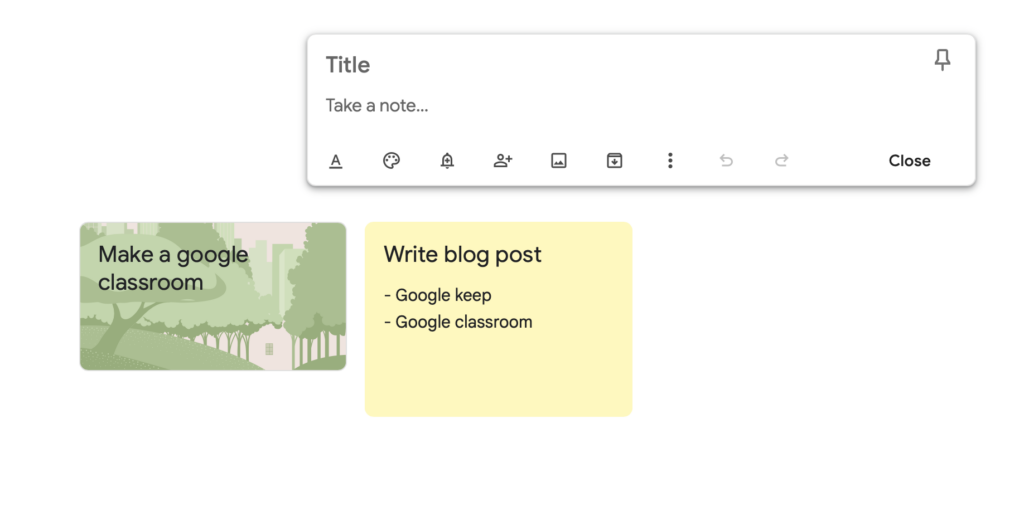
Google Keep is a tool that basically acts as a space to keep and compose notes. It allows you to write notes as well as take voice memos and add images that can be later added to Google Docs or can be accessed in Google Workspace. These notes can also be shared with other Google users and collaborated on. While I do not see myself using this tool as I already like to take notes on my own notes app, I do think that this tool could be useful in classrooms where students could keep track of what they need to get done for classes or possibly a group project, especially if the class is already using Google Classroom. Here is an article I found to be useful in describing some more uses for Google Keep.
Another tool by Google that is one of my favourite tools they have created is Google Classroom. Google Classroom is a platform that allows learning and organization within the classroom to occur in an online space. It is very useful in allowing teachers to easily create different types of assignments such as quizzes or written assignments and have students complete them in one central location. It is also useful as teachers are able to keep track of what their students are working on and their progress in the course. Through Google Classroom other Google services can be used and linked such as Google Forms for quizzes or Google Docs. Here is an article by a teacher who further discusses the benefits of using Google Classroom. As a future educator I see myself using Google Classroom as I think it is a great tool for multiple age groups and subjects and it has an easy interface that can be navigated by students and teachers alike with minimal confusion.
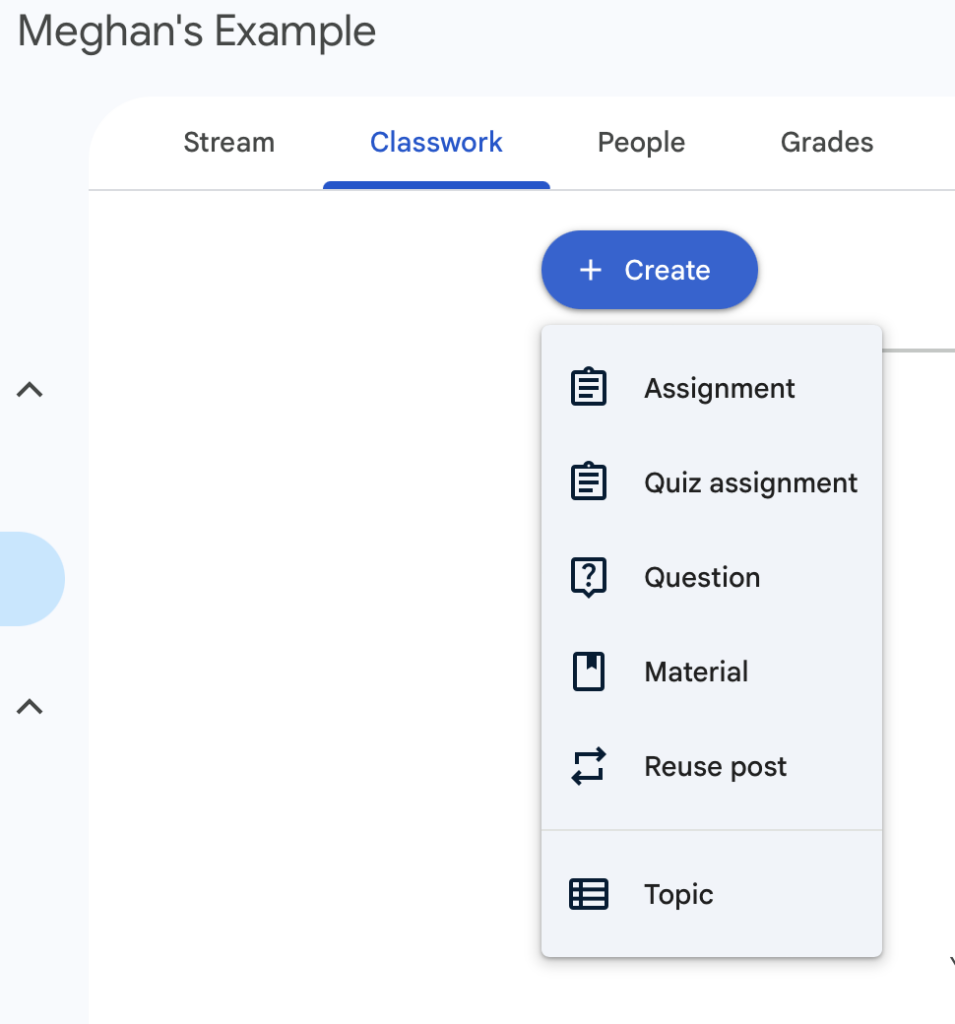
Image credits: Meghan Pimm